![WellDatabase-Rect-1000x159-1.png]](https://support.welldatabase.com/hs-fs/hubfs/WellDatabase-Rect-1000x159-1.png?height=40&name=WellDatabase-Rect-1000x159-1.png)
If you need to examine the GOR for a particular operator, area, formation, or a combination of factors, our platform is designed to meet your needs.
To get started, you can make use of the search filters provided in WellDatabase. These filters allow you to narrow down the results on your map and view only the wells that are relevant to you. Once you have located the wells you are interested in, you can easily navigate to the analytics section. For more information on analytics, you can refer to the following article: What are WellDatabase analytics?)
In the analytics section, you will find an abundance of information related to the gas oil ratio. Our platform offers various visualizations, charts, and graphs that help you understand the GOR performance across different parameters.
Tip: You can also use these approaches to analyze other important ratios such as the water oil ratio (WOR), the gas liquid ratio (GLR), and the water gas ratio (WGR).
Overview
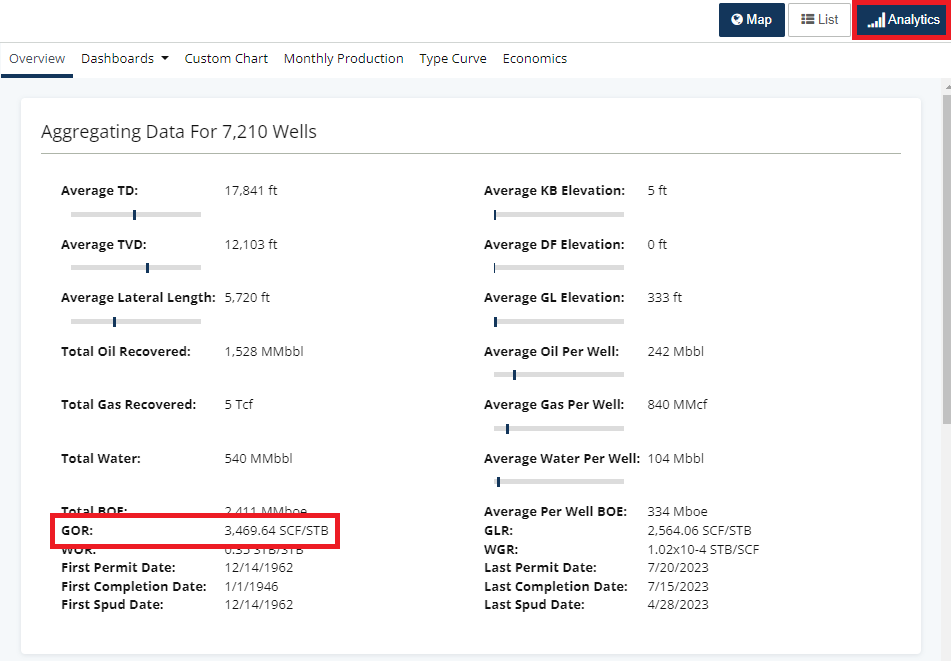
Let's begin by exploring the Overview tab as we navigate through the analytics tabs from left to right. The Overview tab is specifically designed to provide a comprehensive summary of the selected wells, including the gas oil ratio.
Production Dashboard
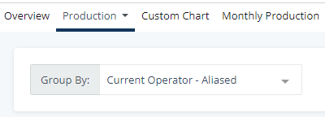
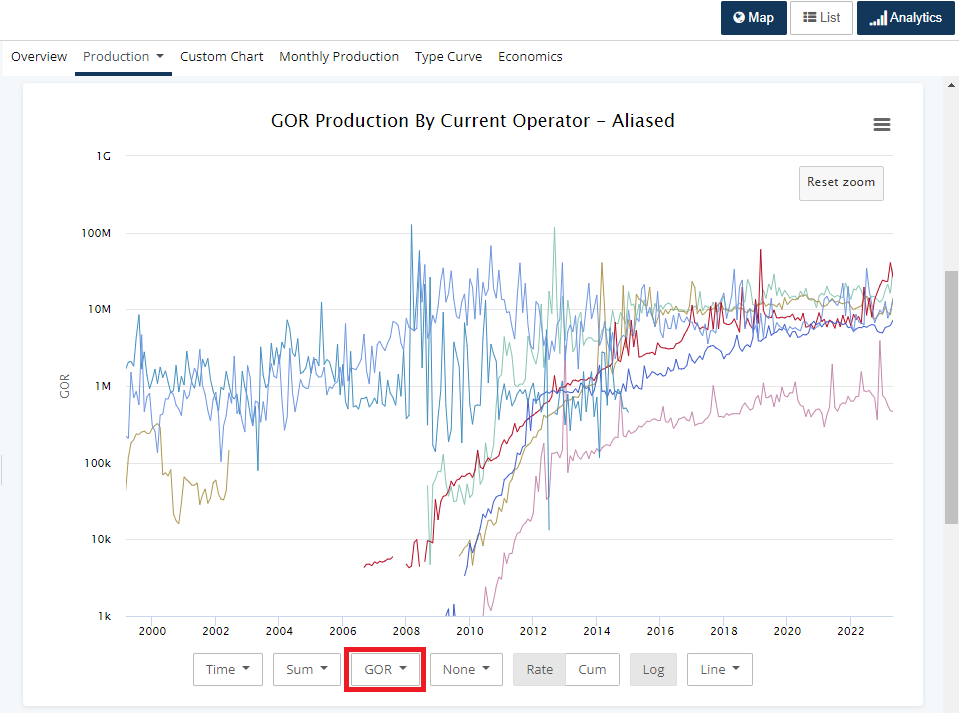
Next, let's explore the production dashboard and scroll to the "Production by" chart. By default, this chart provides information on oil production based on your "Group By" selection.
To change the Oil(bbl/m) to GOR, simply use the drop-down menu at the bottom.
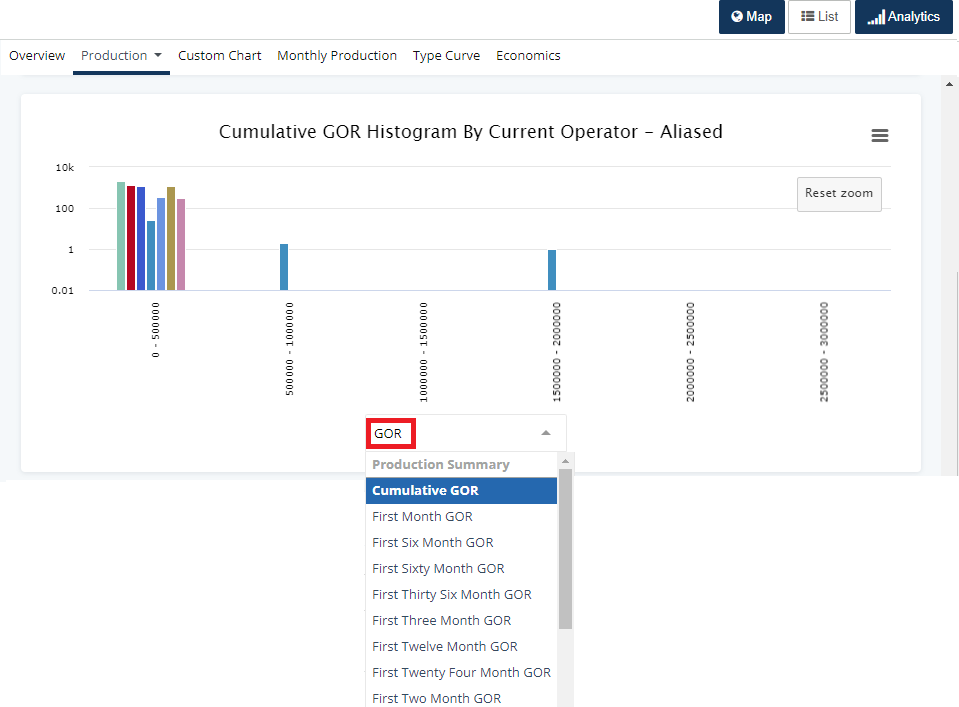
Another chart on the production tab is the Cumulative Oil Histogram chart. By default, this chart displays cumulative oil production, but you have the flexibility to choose from various data options. Simply use the drop-down menu at the bottom of the chart and begin typing "GOR" to see a list of options such as cumulative GOR, first or last month GOR, first or last 12 months GOR, and more.